Tools
Color Palette
Last Used Colors
Brush Size: 1
Reference Images
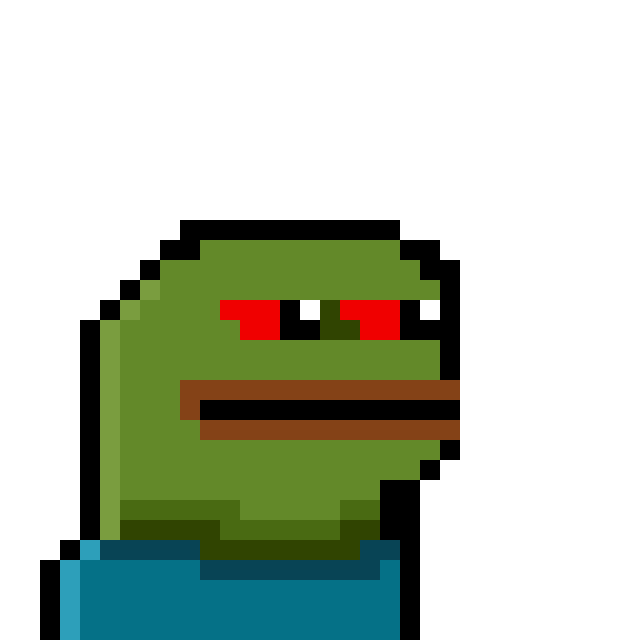
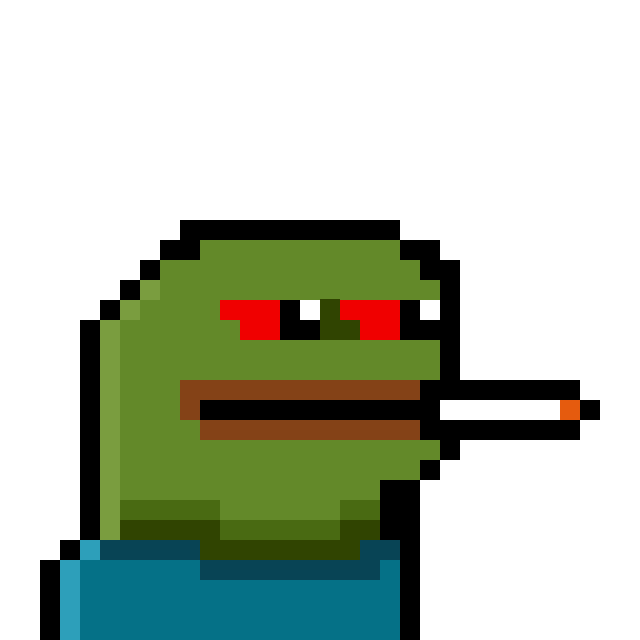

Unleash your creativity with our intuitive pixel art tool. Design retro game sprites, icons, and more!
1. Select a tool from the toolbar on the right.
2. Choose a color from the palette or create your own.
3. Click and drag on the canvas to draw.
4. Use the paint or eraser bucket to fill with a selected color
5. Download your image when you are done.